How to Set Up a Real Work-From-Home Setup When You Only Have a Corner
In this article
How to Set Up a Real Work-From-Home Setup When You Only Have a Corner
Working from a corner of your apartment doesn’t mean working uncomfortably. With the right approach, a 90 × 60 cm corner can become a functional workspace that separates work from the rest of your life, even when you’re home all day.
The challenge isn’t space. It’s creating physical and mental distinction in a small area.
💡 Key idea: A corner workspace doesn’t need much area. It needs clear boundaries, ergonomic positioning, and enough organization to start working without setup.
If you only read one part
- ✔️ A corner desk or L-shaped surface maximizes the footprint
- ✔️ Monitor at eye level prevents neck pain on long days
- ✔️ Define the workspace boundaries with a rug or visual cue
- ✔️ End-of-day ritual closes the work zone psychologically
Choosing the right corner setup
Corner desk (purpose-built)
Most space-efficient option. Fits into the corner exactly, using both walls. Look for compact corner desks that don’t extend more than 80 cm on each side: enough for monitor, keyboard, and a few accessories. Most come with cable management built in.
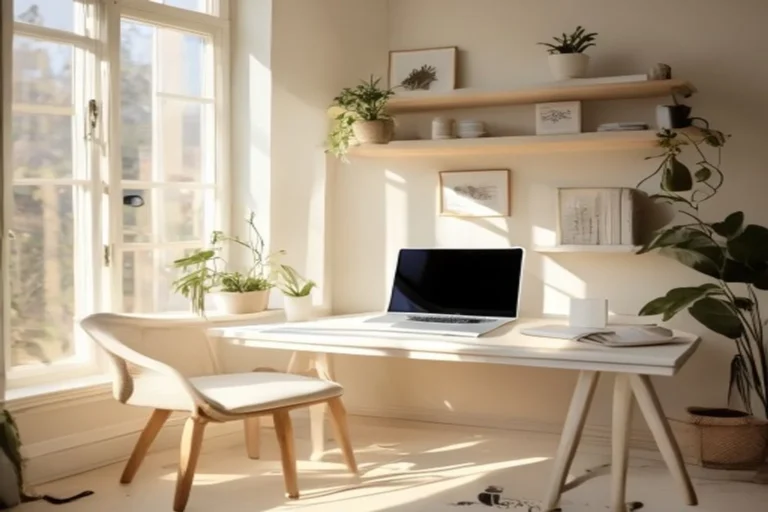
Two floating shelves as a desk
Even more compact. Two shelves at desk height (72-75 cm from floor), one on each wall meeting at the corner, create an L-shaped surface without a desk frame. Add a third shelf above for storage. Works well for laptops and light setup.
Standard desk against a wall
If you can’t fit a corner desk, a narrow desk (40-50 cm deep) against one wall still works. The corner becomes storage space beside it. Not ideal but functional.
Ergonomics that matter
Monitor height
The top of the screen should be at or slightly below eye level when sitting up straight. For laptops: use a stand to raise the screen and add external keyboard and mouse. This single change prevents most neck and upper back issues from WFH.
Chair position
Feet flat on the floor, knees at 90 degrees, lower back supported. A rolled towel or lumbar cushion behind your back works when you don’t have an ergonomic chair.
Lighting
Natural light to the side (not directly behind the screen, not directly on the screen). A desk lamp for evening work. Avoid backlit-only situations; they strain eyes over long sessions.
Organization that lets you start immediately
The “zero setup” principle
Everything you need to work should already be in position when you sit down. No searching, no moving things, no preparing. If you have to clear space to work, the setup isn’t optimized.
Vertical storage
In a corner, floor space is premium. Use the wall: floating shelves for books and reference material, a magnetic strip for notes, a small pegboard for accessories. Keep the desk surface itself clear except for active items.
Cable management
Visible cables make a small workspace look cluttered even when everything else is clean. Run cables along desk edges with clips, bundle them with velcro, tuck the power strip under the desk out of sight.
The psychological boundary
Define the zone
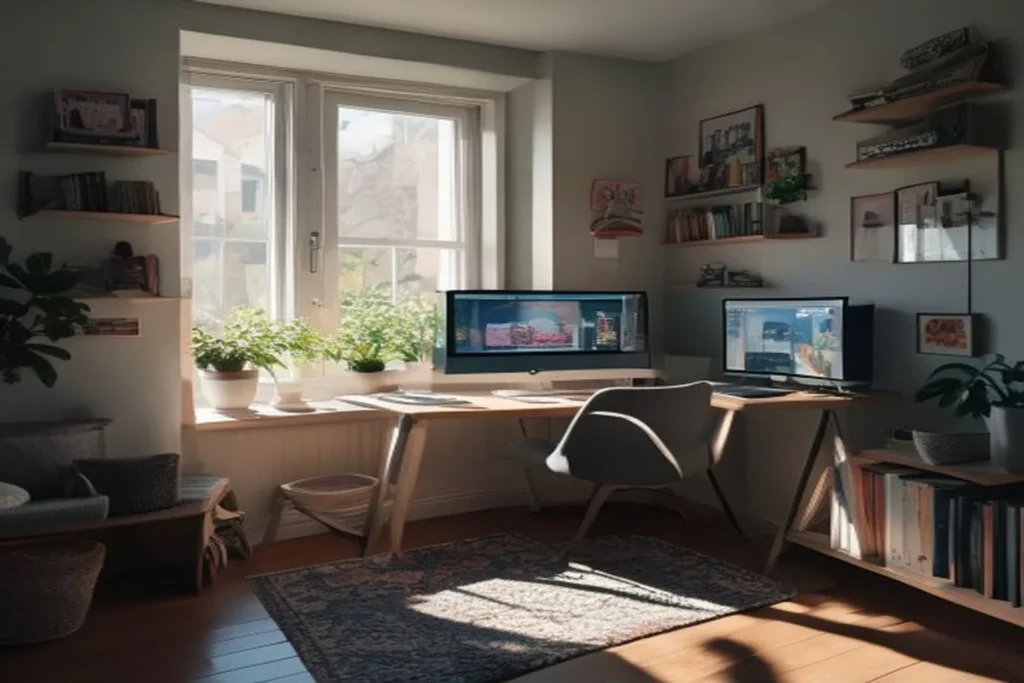
A small area rug under the chair and desk creates a “work zone” even in an open apartment. When you’re on the rug, you’re at work. When you step off it, you’ve left work.
End-of-day close
A 5-minute shutdown ritual: close all work tabs and apps, put away any work materials, push in the chair. This physical close creates a mental close. Without it, “work” bleeds into the rest of your time in the apartment.
Corner office questions
Do I need a standing desk?
Not necessary, but if you work 6+ hours daily, an adjustable-height option is worth considering long-term. For occasional WFH, a standard desk height is fine.
What if I share the apartment and the corner is in a common area?
A privacy screen or bookshelf divider creates visual separation without walls. Even a plant or tall shelf between your desk and the common area signals “this is a work zone.”
Should I have a dedicated monitor or is a laptop enough?
For occasional work, laptop is fine. For daily use over 3+ hours, a dedicated monitor at eye level combined with external keyboard and mouse is significantly better for posture, focus, and eye strain.
Run through this
- ☐ Desk surface clear except for active work items
- ☐ Monitor at eye level
- ☐ Chair position: feet flat, back supported
- ☐ Side lighting, no screen glare
- ☐ Cables organized out of view
- ☐ End-of-day close ritual established
Avoid these
- Working from the couch or bed. Destroys both productivity and rest quality.
- No ergonomic attention. Works fine for a week; becomes painful over months.
- No end-of-day ritual. Work never feels “done” when you live at work.
One more thing
The most underrated WFH upgrade: headphones or earbuds with noise cancellation. In a small apartment with other sounds (neighbors, street), isolation directly improves focus without changing the physical setup at all.
A corner is enough
A corner workspace can be genuinely excellent when set up thoughtfully. The key elements (ergonomics, organization, and psychological boundary) apply regardless of size. Start with the monitor height fix; then tackle organization and the end-of-day ritual. The whole setup can be running well within a weekend.